Link-in-Bio
How to make a custom landing page for Instagram bio
by

Jules Agar
Instagram gives you just one clickable link in your bio — but your business, content, and offers deserve more than that.
With Paage, you can create a custom landing page for your Instagram bio that looks beautiful, matches your brand, and converts followers into customers, subscribers, or bookings — all without building a full website.
In this guide, you’ll learn how to create a custom Instagram bio landing page with Paage, why it works better than generic tools, and how to optimize it for clicks and conversions.
What Is a Custom Instagram Bio Landing Page?
A custom Instagram bio landing page is a single page that hosts multiple links and actions, all accessible from the one link in your Instagram bio.
Instead of constantly changing your bio link, you send followers to one branded page where they can:
Visit your website
Buy products or services
Book an appointment
Download resources
Subscribe to a newsletter
Access exclusive content
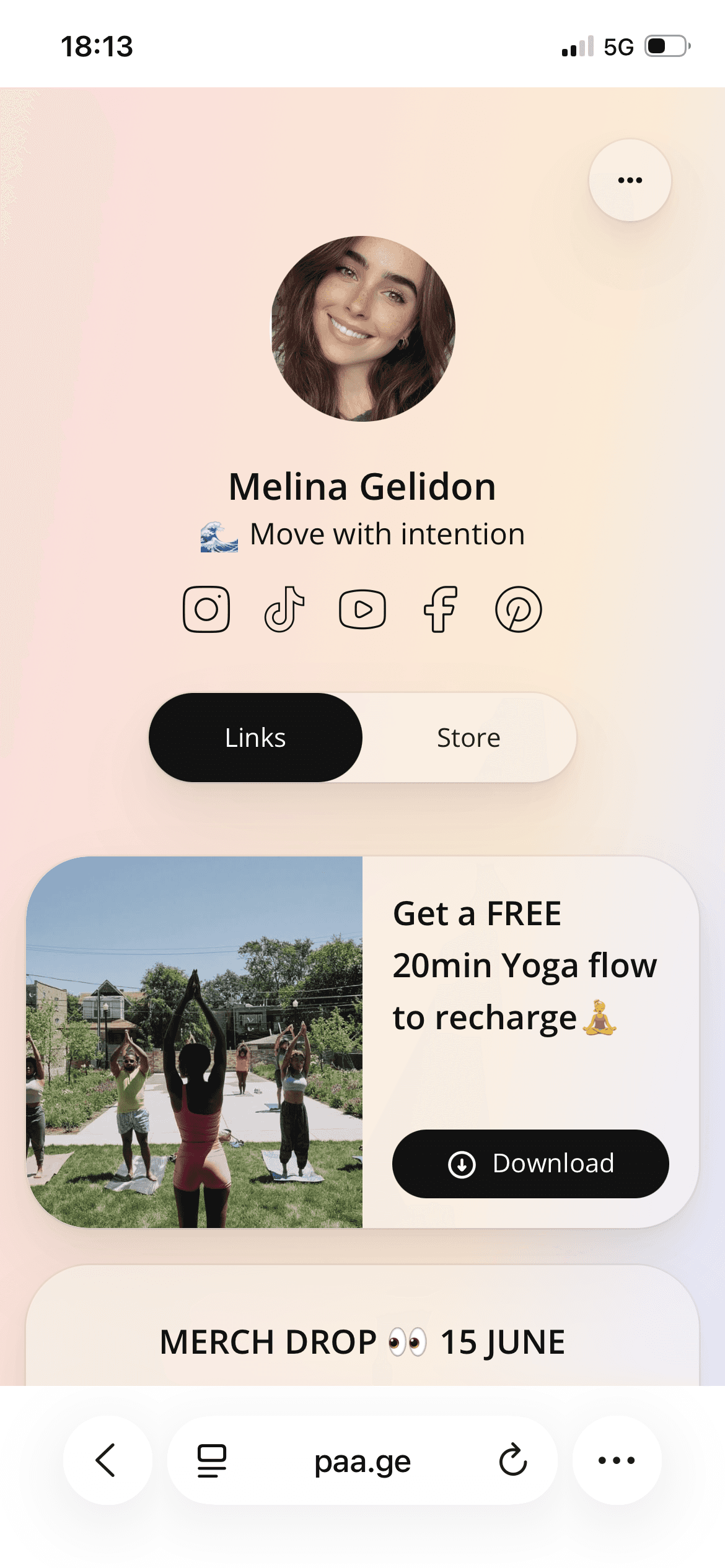
This is essential because Instagram limits profiles to one external link, making a landing page the smartest way to centralize your traffic.
Why Use Paage for Your Instagram Bio Landing Page?
Many creators start with generic “link in bio” tools — but quickly hit limitations.
Paage is designed specifically for creators, freelancers, and businesses who want simplicity and performance.
Benefits of Using Paage
Fully customizable design
Optimized for mobile, where most Instagram traffic comes from
Fast setup — no code, no hosting, no plugins
Sell directly from your bio (products, services, digital goods)
One link for everything, updated anytime
Unlike traditional website builders, Paage focuses on conversion-first bio pages, not complex site management.
Paage vs Linktree, Beacons, Stan Store, Squarespace & WordPress**
Choosing the right solution for your Instagram bio landing page depends on speed, simplicity, and conversion goals. Here’s how Paage compares to popular link-in-bio tools and heavier website builders.
Link-in-Bio Tools Comparison
Feature | Paage | |||
|---|---|---|---|---|
Setup time | Minutes | Minutes | Minutes | Minutes |
Branding control | Full | Limited (free plan) | Medium | Medium |
Mobile-first design | ✅ Yes | ✅ Yes | ✅ Yes | ✅ Yes |
Sell products/services | ✅ Built-in | ⚠️ Limited | ✅ Yes | ✅ Yes |
Custom layout | ✅ High | ❌ Low | ⚠️ Medium | ⚠️ Medium |
Best for | Creators & businesses | Beginners | Creators | Digital sellers |
Why Paage stands out:
Unlike generic link-in-bio tools, Paage focuses on conversion-first layouts, not just link lists. You control hierarchy, messaging, and monetization — without paying for unnecessary features.
Paage vs Website Builders (Squarespace & WordPress)
Some creators consider using full website builders like Squarespace or WordPress for their Instagram bio link. While powerful, these tools are often overkill for bio traffic.
Feature | Paage | ||
|---|---|---|---|
Setup complexity | Very low | Medium | High |
Hosting required | ❌ No | ✅ Yes | ✅ Yes |
Maintenance | ❌ None | ⚠️ Some | ⚠️ Ongoing |
Mobile optimization | Native | Template-based | Theme-dependent |
Ideal for bio traffic | ✅ Yes | ⚠️ Not optimized | ⚠️ Not optimized |
Best use case | Instagram bio pages | Full websites | Full websites |
Key takeaway:
Squarespace and WordPress are excellent for full websites, blogs, or complex projects — but for a single Instagram bio landing page, they introduce friction, cost, and maintenance that most creators don’t need.
Paage is built specifically for:
Short attention spans
Mobile-first traffic
Clear calls to action
Fast updates from anywhere
When to Choose Paage Over Other Solutions
Choose Paage if you want:
A fast, lightweight Instagram bio landing page
A solution focused on selling and conversions
No hosting, plugins, or technical setup
A page you can update in seconds
Choose Squarespace or WordPress if you’re building a full website — not just a bio page.
Paage a Custom Landing Page for Instagram Bio (Step-by-Step)
1. Create Your Paage Account
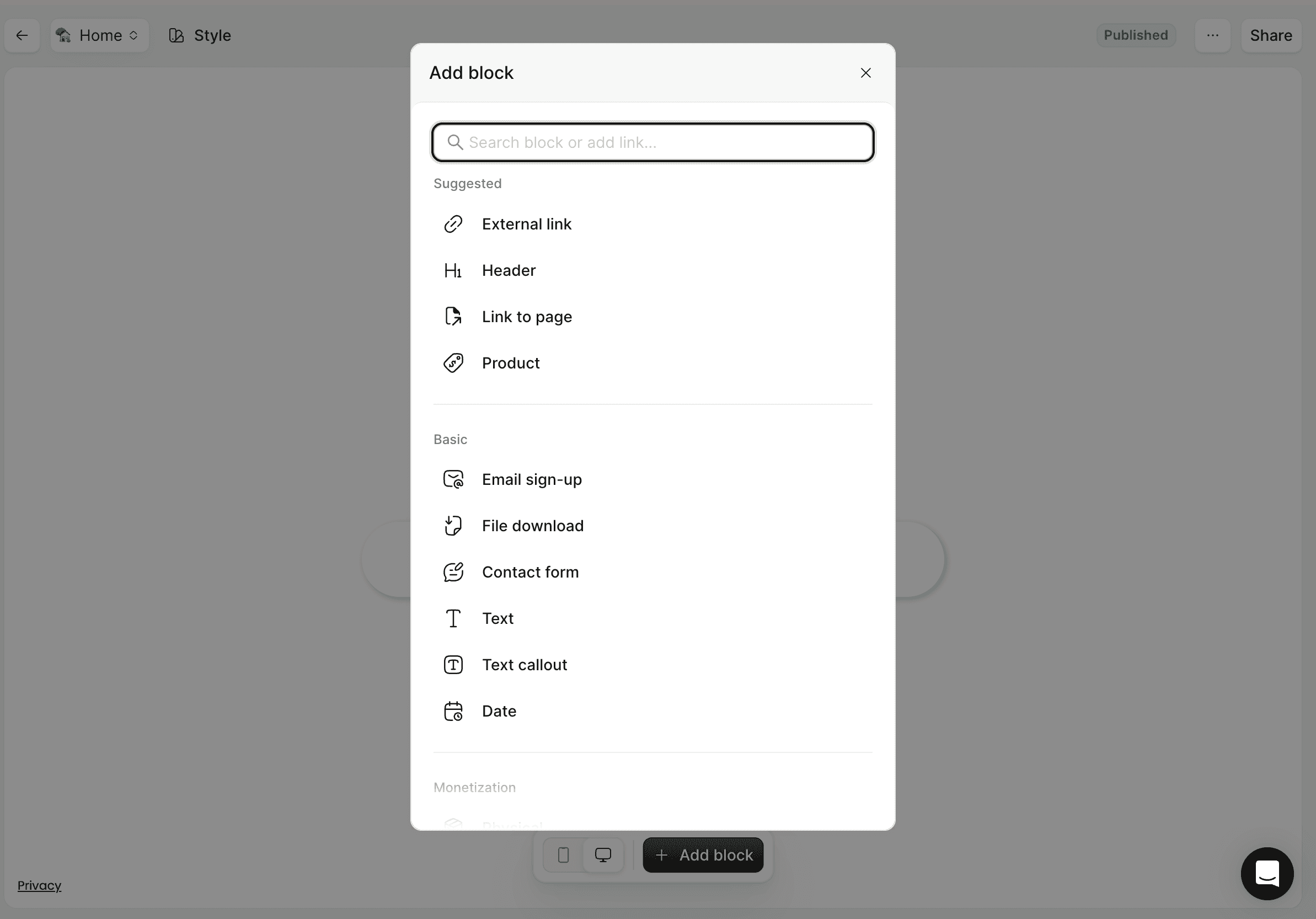
Start by creating your Paage page. Once inside, you’ll have access to a clean editor designed specifically for bio traffic.
2. Choose Your Page Structure
Your Instagram bio page should be simple and scannable. A strong structure usually includes:
Profile photo or logo
Short headline explaining what you do
Clear call-to-action buttons
Examples of effective CTAs:
“Shop the Collection”
“Book a Call”
“Download the Free Guide”
“Join the Newsletter”
3. Add Your Links and Content Blocks
With Paage, you can add multiple content blocks, such as:
Buttons
Product cards
Embedded content
Payment links
Contact options
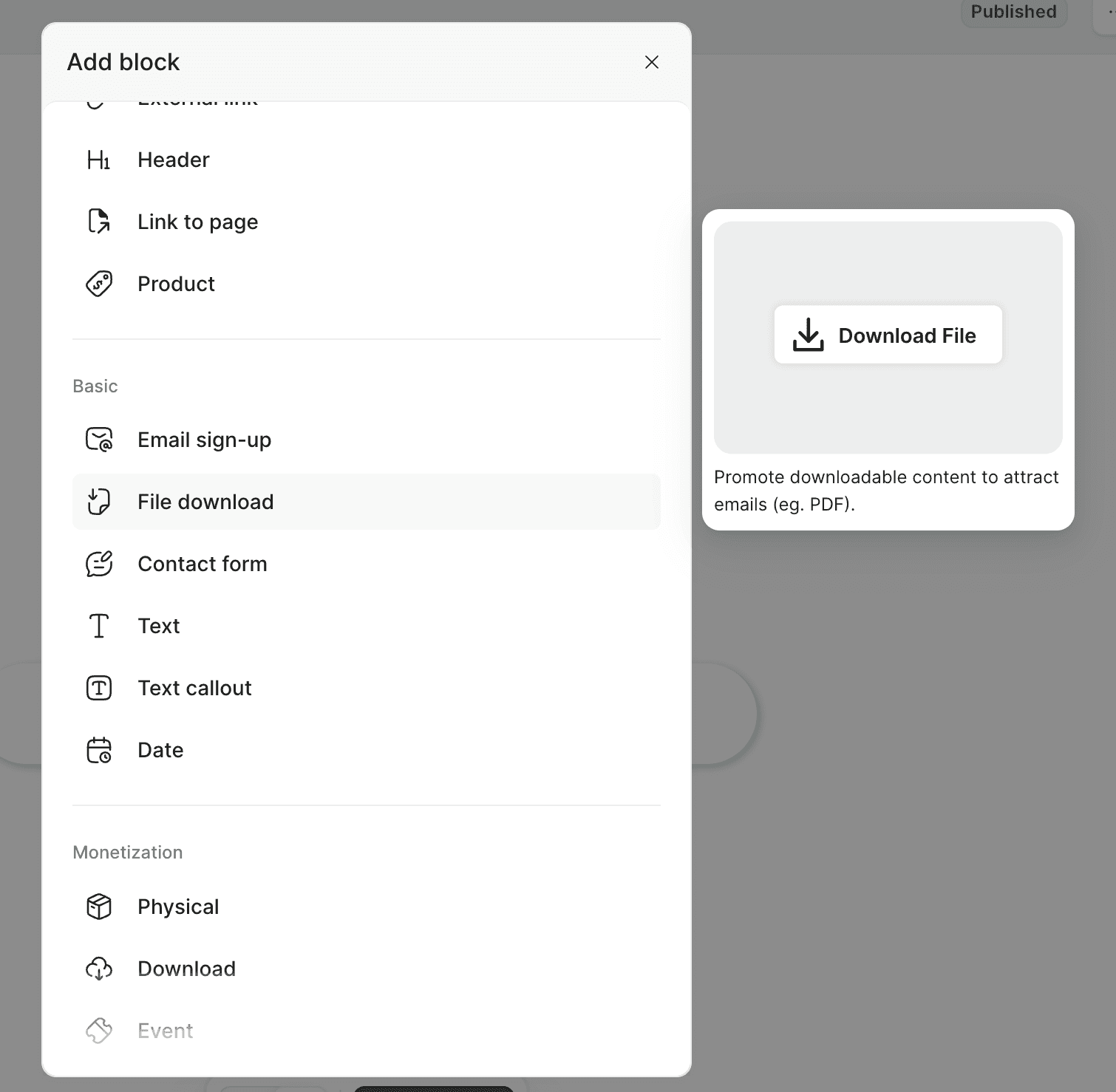
Each block should serve one clear purpose. Avoid clutter — clarity converts better.
4. Customize Your Design for Your Brand
Consistency builds trust. Make sure your bio landing page matches your brand by adjusting:
Colors
Fonts
Button styles
Layout spacing
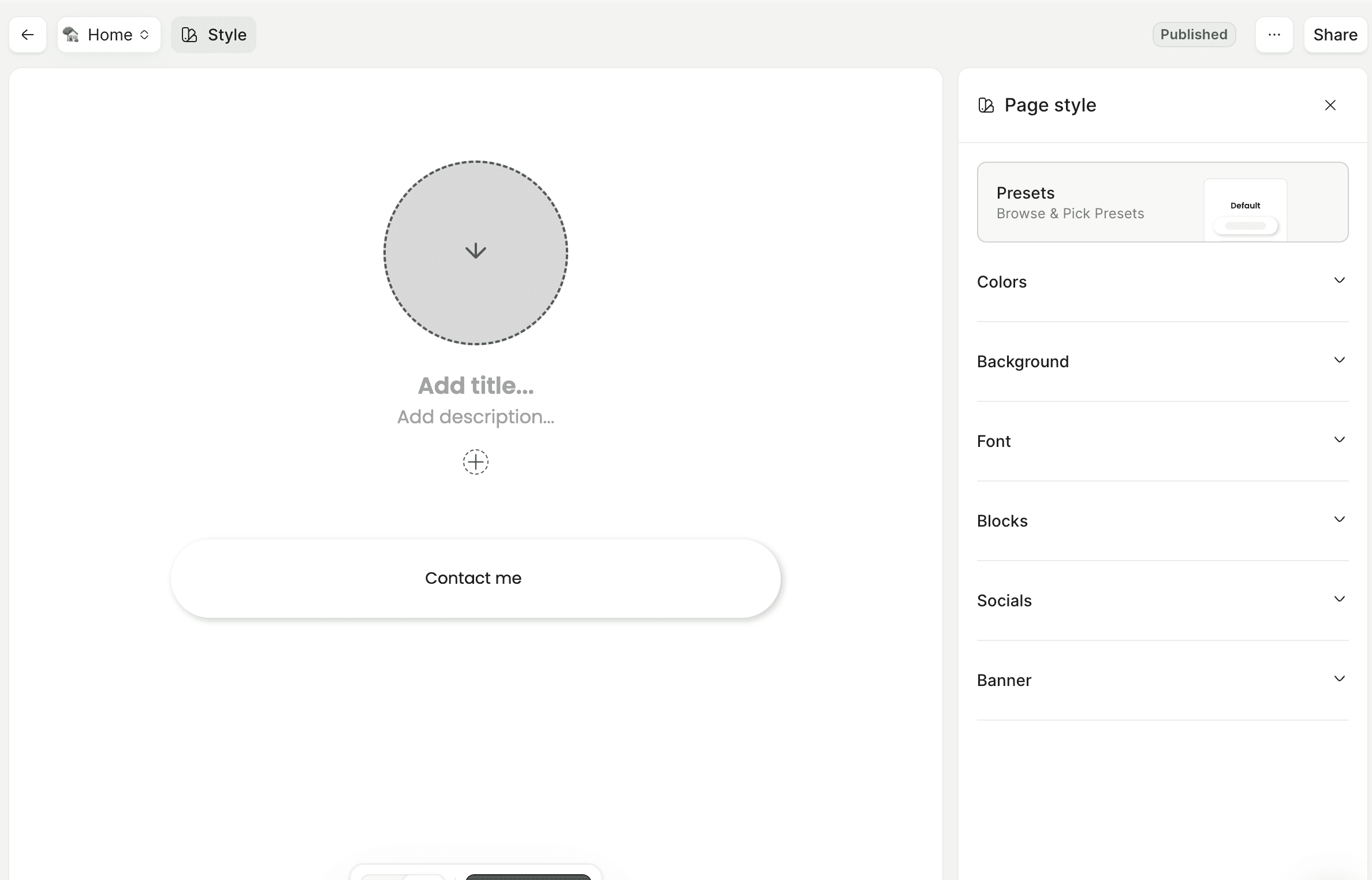
Your Instagram feed and your bio page should feel like the same universe.
5. Optimize for Mobile Users
Over 90% of Instagram users browse on mobile. Your page should:
Load fast
Have large, tappable buttons
Keep text short and readable
Paage bio pages are mobile-first by default, so you don’t need extra adjustments.
6. Add Your Paage Link to Instagram
Once your page is ready:
Open Instagram
Go to Edit Profile
Paste your Paage link in the Website field
Save
That’s it — your custom Instagram bio landing page is live.
Best Practices for a High-Converting Instagram Bio Page
To get the most clicks:
Lead with one primary CTA
Use action-oriented button text
Place your most important link at the top
Update links based on your latest content
Avoid overwhelming visitors with too many options
Your bio page should answer one question fast:
“What should I click next?”
Frequently Asked Questions (FAQ)
What is the best landing page for an Instagram bio?
The best landing page is one that is mobile-optimized, fast, branded, and focused on conversions. Paage is built specifically for Instagram bio traffic, making it an ideal solution for creators and businesses.
Can I sell products directly from my Instagram bio with Paage?
Yes. Paage allows you to sell products, services, and digital content directly from your bio page without needing a full ecommerce website.
Do I need a website to use Paage?
No. Paage works as a standalone landing page. You can use it with or without an existing website.
How many links should I add to my Instagram bio page?
Quality beats quantity. Most high-performing bio pages include 3 to 6 clear links, prioritized by importance.
Is a custom bio landing page better than Linktree?
A custom bio landing page gives you more control, better branding, and stronger monetization options. Paage is designed to help you convert traffic — not just redirect it.
Final Thoughts
Your Instagram bio is prime digital real estate. With Paage, you can turn that single link into a powerful conversion hub — without complexity or technical setup.
If you want a custom Instagram bio landing page that actually works, Paage is built for exactly that.
Create your
Paage now
Good news, it’s free.